

Digital Minimalism: How to Reduce Screen Clutter and Reclaim Your Attention
Digital Minimalism: The average person checks their phone 96 times a day. Notifications arrive every few minutes. Tabs multiply. Inboxes overflow. And somewhere in the middle of all that noise, we're supposed to do our best work.
Digital minimalism offers a different path. It's not about rejecting technology—it's about being intentional with it. About choosing which tools genuinely serve your goals and ruthlessly eliminating the ones that don't.
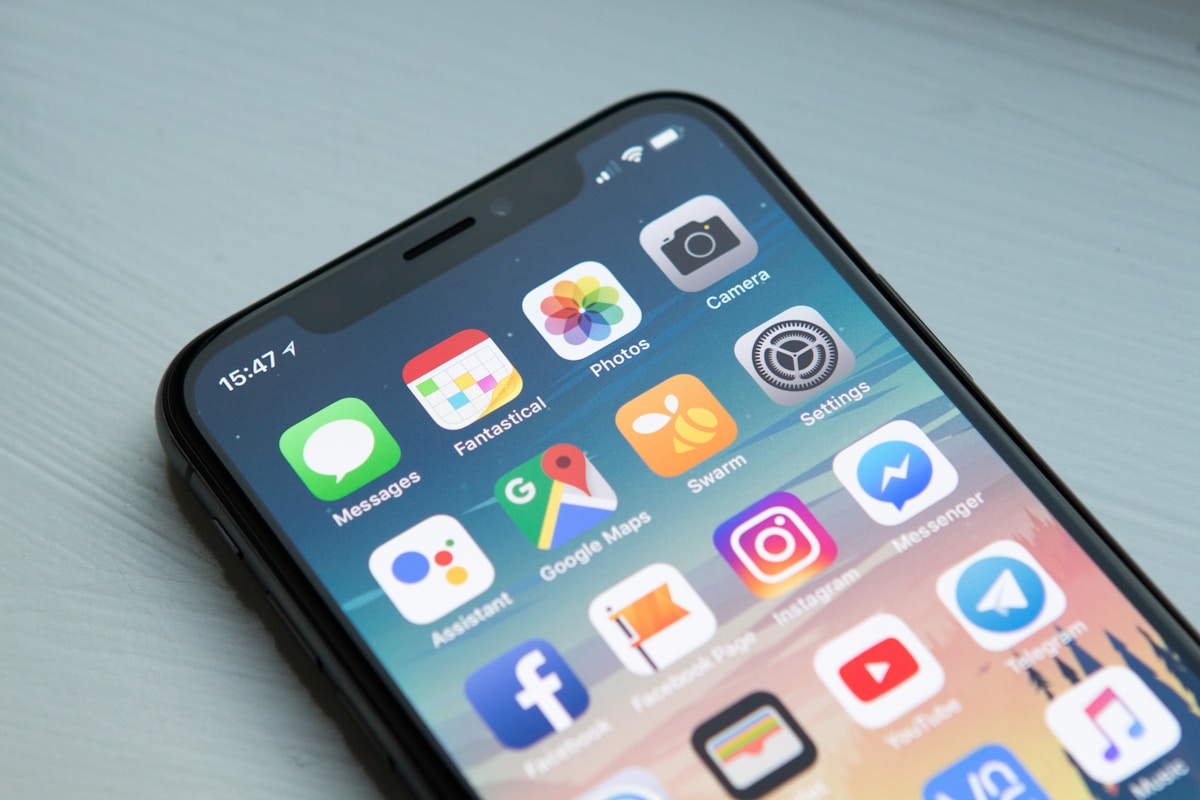
What Is Digital Minimalism?
Coined and popularized by computer science professor Cal Newport, digital minimalism is a philosophy of technology use in which you focus your online time on a small number of carefully selected activities that strongly support things you value, and then happily miss out on everything else.
It's the digital equivalent of decluttering your desk. Instead of removing physical objects that don't serve you, you remove apps, notifications, platforms, and habits that fragment your attention and drain your energy.
The Hidden Cost of Digital Clutter
Every app on your phone, every browser tab left open, and every notification enabled is a small but constant tax on your attention. Individually, each seems harmless. Collectively, they create a state of continuous partial attention—where you're never fully present, never fully focused, and never doing your best work.
Research from the University of California, Irvine, found that it takes an average of 23 minutes to fully regain focus after an interruption. With dozens of interruptions per day, the math is sobering: most of us are operating at a fraction of our true cognitive capacity.

How to Practice Digital Minimalism
1. Audit Your Apps
Go through every app on your phone and ask one question: does this tool serve something I deeply value, or am I just using it out of habit? Delete anything that doesn't pass the test. You can always reinstall later—but you'll likely find you don't miss most of it.
2. Turn Off Non-Essential Notifications
Notifications are interruptions by design. Go into your settings and disable every notification that doesn't require immediate action. Email, social media, news apps — all of it can wait. Check on your schedule, not theirs.
3. Create Phone-Free Zones
Designate spaces and times where your phone simply doesn't exist. Your desk during deep work hours. The dinner table. The first 30 minutes after waking up. These boundaries protect your most valuable cognitive windows from digital intrusion.
4. Declutter Your Digital Desktop
Your computer screen is an extension of your workspace. A desktop covered in icons and an inbox with thousands of unread emails creates the same cognitive drag as a cluttered physical desk. Spend 20 minutes organizing your files, clearing your desktop, and archiving old emails. The mental clarity it creates is immediate.
5. Schedule Your Screen Time
Instead of reacting to your devices all day, be proactive. Set specific times to check email and social media — perhaps twice a day — and stick to them. Outside those windows, your attention belongs to your work.

Less Digital Noise, More Real Output
Digital minimalism is not about deprivation. It's about trade-offs. Every time you say no to a distraction, you're saying yes to something more important — your work, your creativity, your presence.
Start small. Pick one app to delete, one notification to disable, and one phone-free hour to protect. Build from there. Over time, you'll find that less digital noise creates more mental space — and more mental space creates better work.
"The key to thriving in our high-tech world is to spend much less time using technology." — Cal Newport
Create Your Focus Environment
Digital minimalism works best when your physical environment supports it too. Explore our focus & productivity. Tools collection for tools designed to help you build a workspace that keeps distractions out and deep work in.
0 comments